How to open a ticket (report a problem)
IT Service article relates to:
This article is intended for:
Applicant, Faculty, Staff, Student
Last Updated:
Instructions
When you need help from IT, opening a ticket is the best way to report a problem or request assistance. A ticket creates a record of your request so IT can review the issue, communicate with you, and track it through resolution.
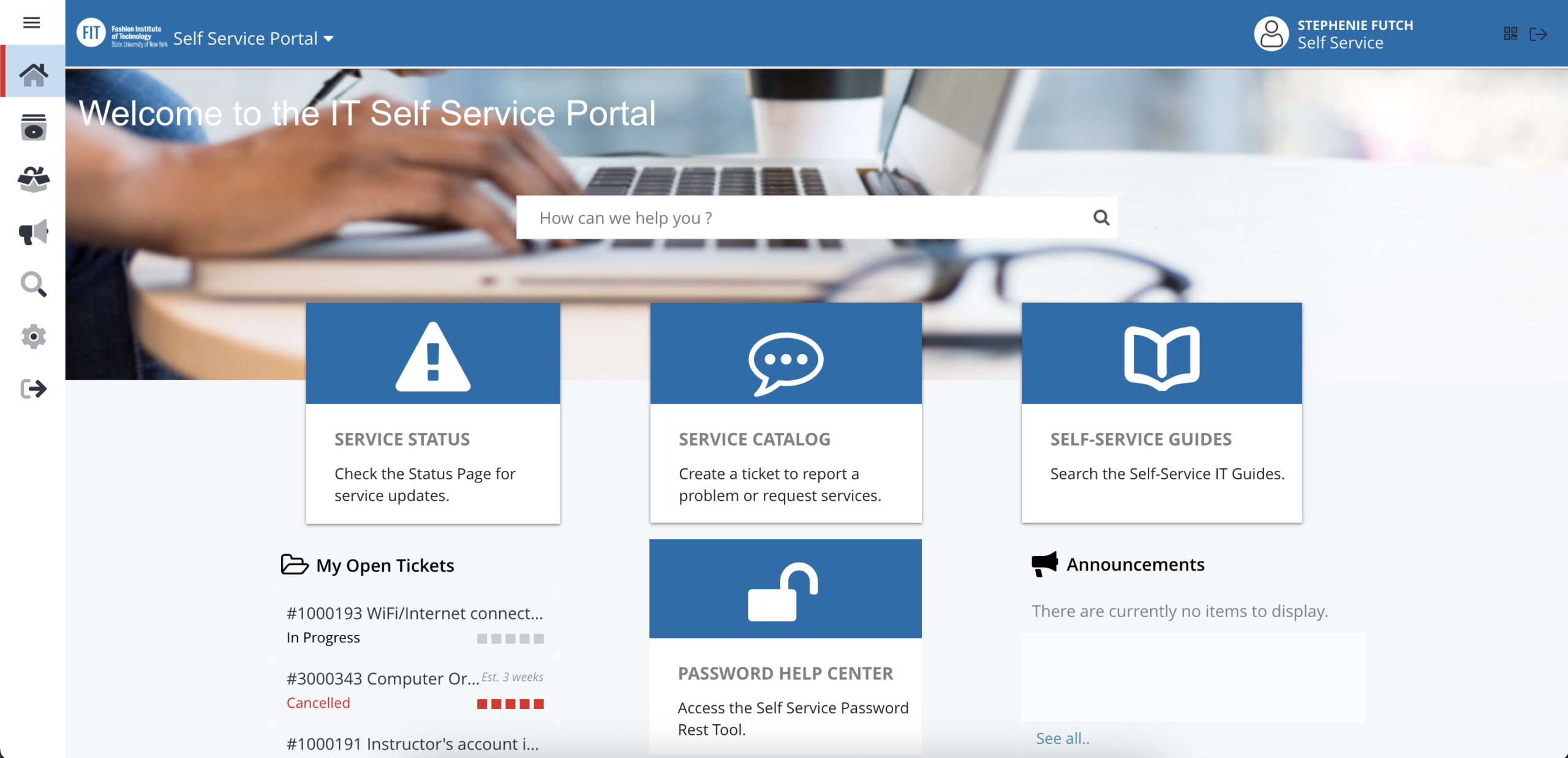
- Go to TechHelp.fitnyc.edu.
- Log in using your FIT email address and password. You may be prompted to verify you sign in attempt via using the Microsoft Multi-factor Authentication method you have set up. Cant’ login? Email [email protected].
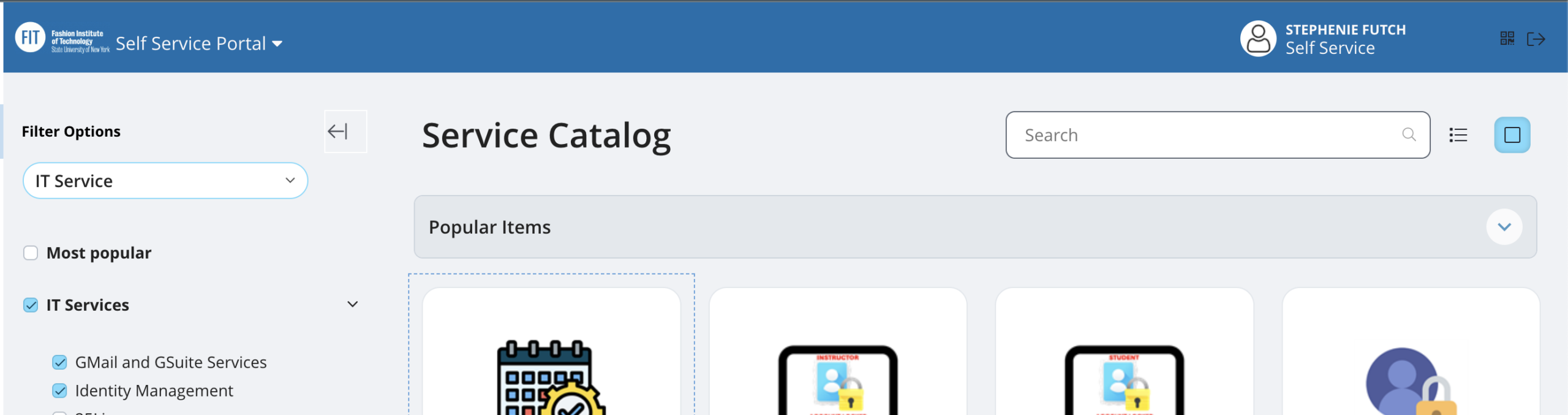
- Select “Service Catalog”

- You can use the search to find request types based on keywords or the side panel to filter based on service to see the most popular requests for that service.
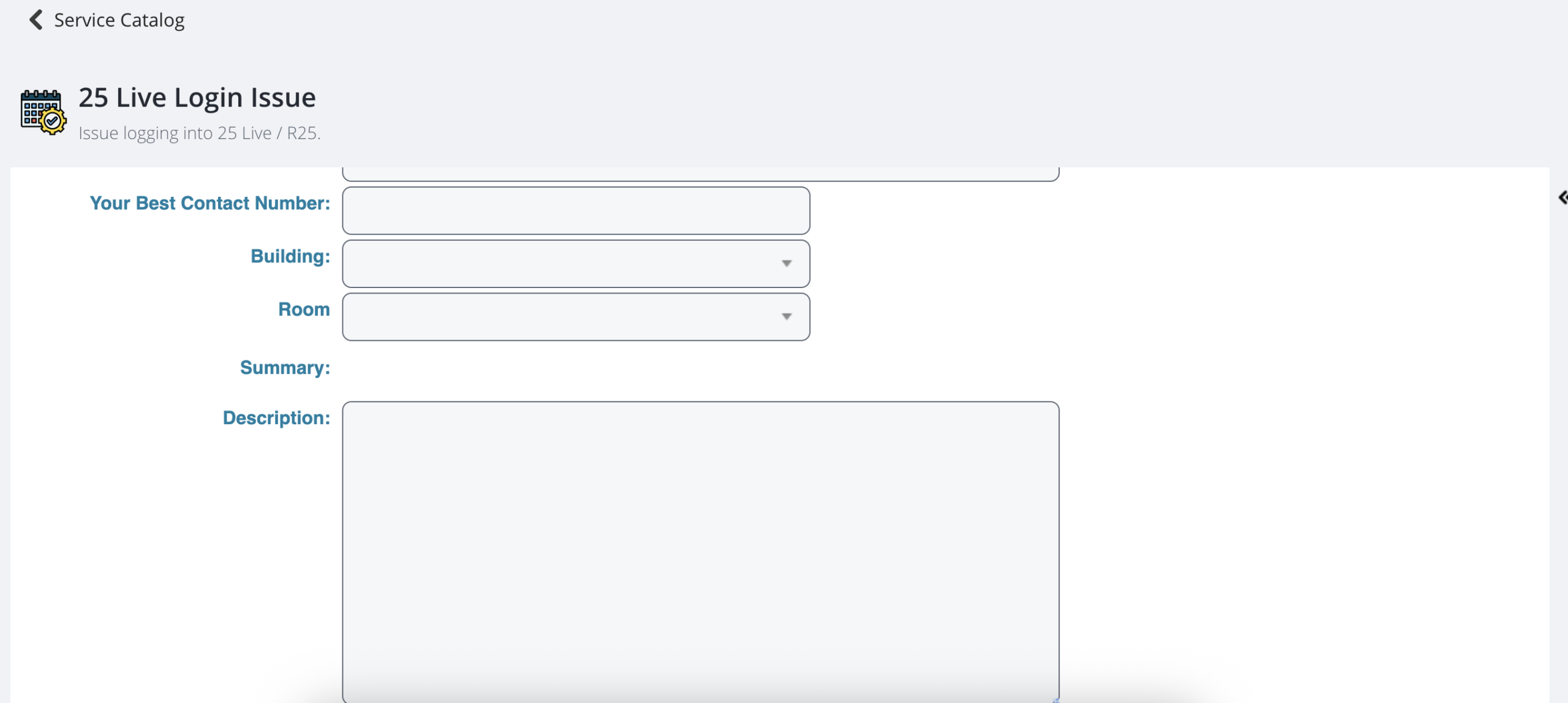
- A form will open with your name and other details automatically populated, complete the required fields to help us understand what help you require and how best to reach you.
- Once you have completed the required details and any additional fields that will help us resolve your request as promptly as possible. Click on the “Submit” button in the top right corner of the form.