How to sign in to MyFIT
IT Service article relates to:
This article is intended for:
Applicant, Faculty, Staff, Student
Last Updated:
Instructions
Before December 30, 2025
Go to the Website: http://myfit.fitnyc.edu
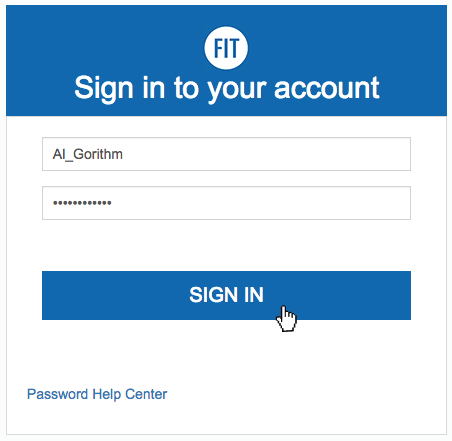
- Enter your FIT Username
- Enter your FIT Password
- Click the “Sign in” button
First time logging in?
The Division of Information Technology does not send your login information. Find out how you are sent your login details in the Self-Service Article, “What are my username and password?”.
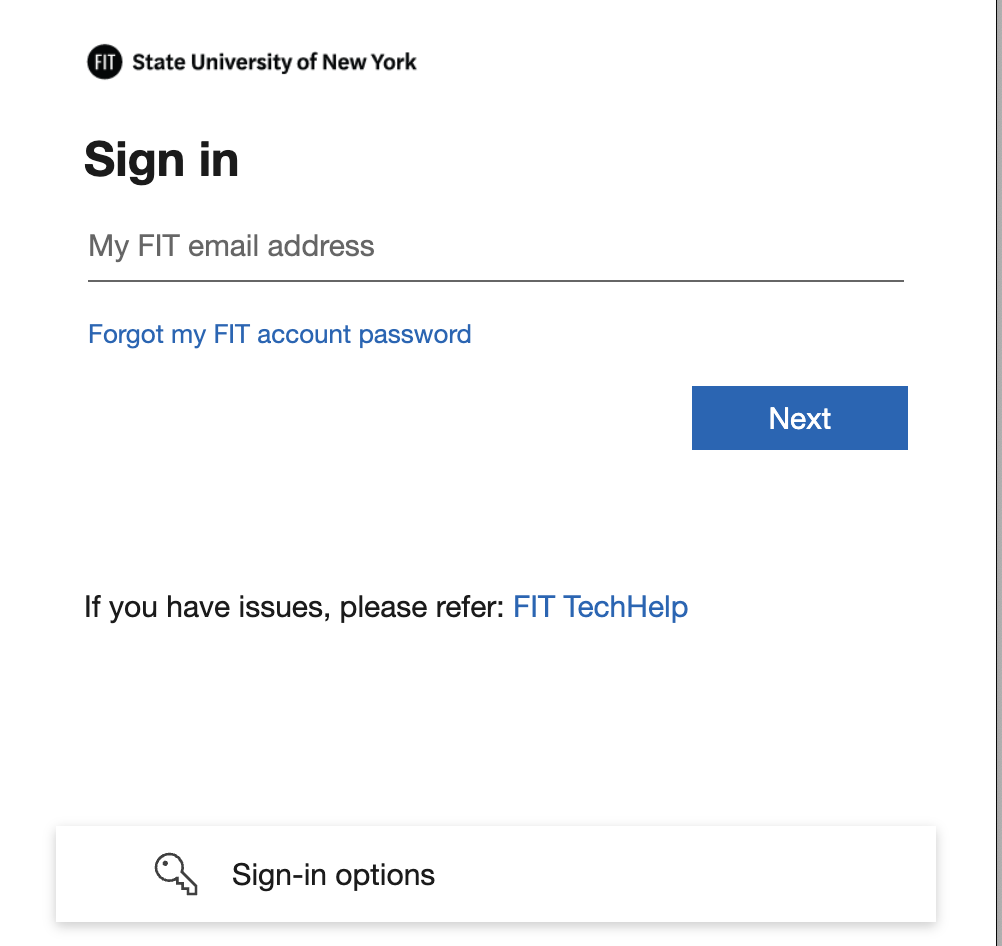
On and after December 30, 2025
Go to the Website: http://myfit.fitnyc.edu
- Enter your FIT Email Address and click the ‘Next’ button
For Precollege Students: You will sign in using your FIT email address, which is used for account access only. Precollege students do not have an active email inbox and cannot send or receive messages at this address. It is provided solely to access MyFIT and other FIT systems. - Enter your FIT Password and click the ‘Sign In’ button
- Complete the prompted Microsoft Multi-Factor Authentication to verify your identity
First time logging in?
The Division of Information Technology does not send your login information. Find out how you are sent your login details in the Self-Service Article, “What are my username and password?”.