How to sign in to Microsoft 365 (M365)
IT Service article relates to:
This article is intended for:
Faculty, Staff, Student
Last Updated:
Instructions
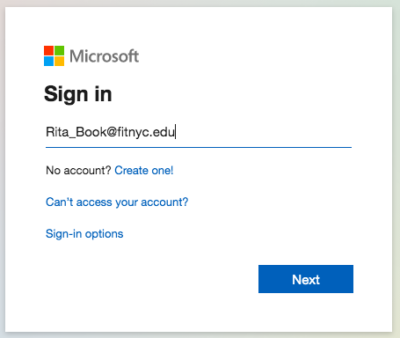
Go to www.office.com
Enter your FIT email address
Click the “Next” button
Note: Offer and access is not available to Pre-College, Continuing Education, and Seminar Students.
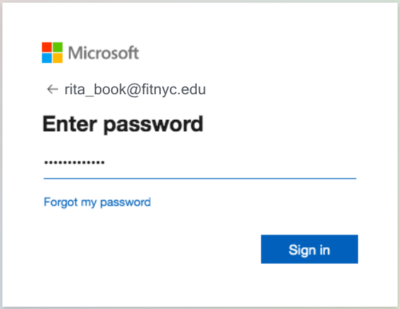
Enter your FIT Password and click “Sign in” button
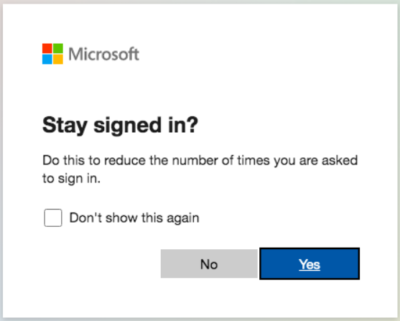
Recommended: select “No”, if you are accessing your M365 account on a shared computer.
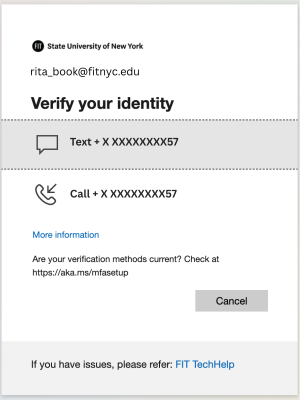
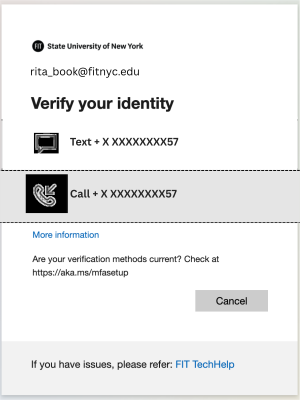
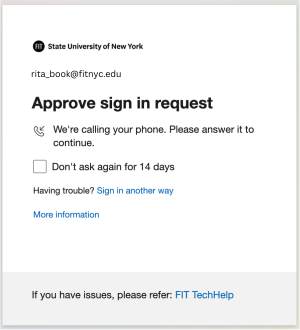
Verify your Identity - Microsoft Multi-Factor Authentication
After you sign in with your FIT username and password you will be prompted to verify your identity again based on your previous security selections.




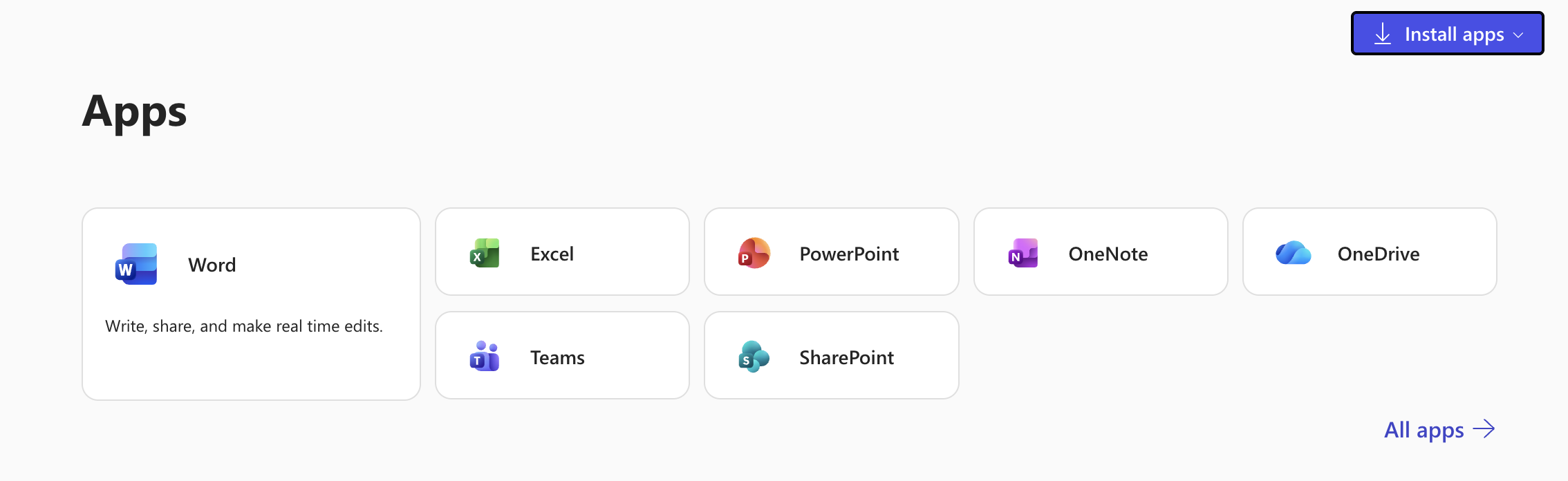
You may now use M365 apps online or install on your computer